
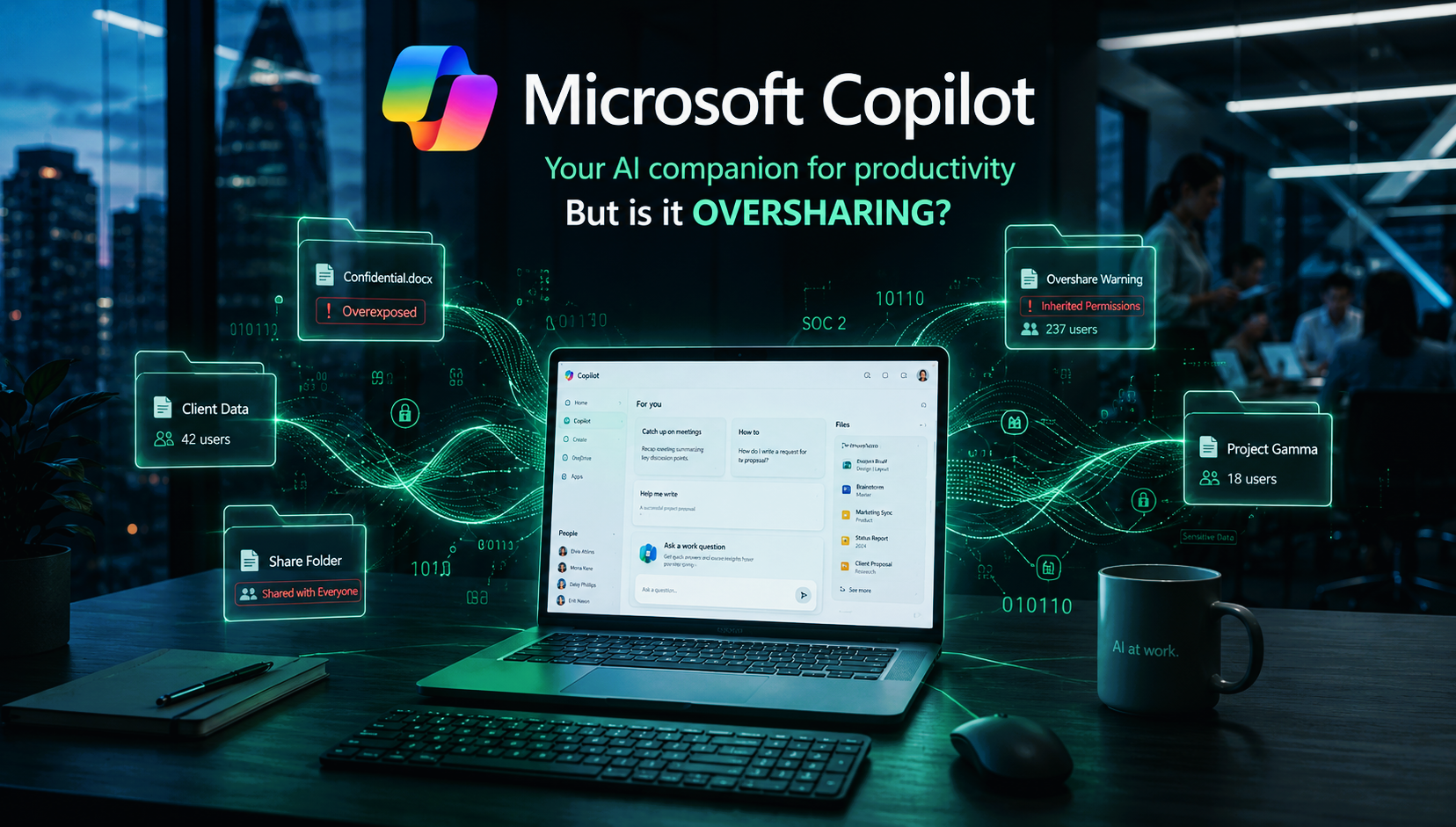
Microsoft Copilot has a way of showing up before anyone really decides to add it. A license upgrade here, an IT update there, and suddenly it is live inside your Microsoft 365 environment. Most businesses do not even notice. And almost none of them stop to ask what it can actually access.
It Sees Everything You Can See
Copilot is not just a writing assistant. It reaches across your entire Microsoft 365 environment: emails, SharePoint folders, Teams chats, shared drives. It surfaces all of that to answer a single question or generate a single summary.
It does not create new access. It uses whatever permissions already exist. And in most businesses, those permissions have not been reviewed since the last time someone left the company.
Think about it: that forgotten HR folder set to "everyone in the org." The financial report a contractor still technically has access to. The client file shared "just temporarily" two years ago. Copilot finds all of it. Researchers found that 73% of businesses discover critical data exposure risks only after turning Copilot on. Not before.
Sound familiar? You might already have a permissions problem and not know it.
The Setup Step Most Businesses Skip
Copilot does not come pre-secured. Default settings are built for convenience, not protection. Before it goes live, someone needs to audit who has access to what, classify sensitive documents, and configure the tool intentionally.
Most small businesses skip this because nobody told them it was required
If your Microsoft 365 environment has years of over-shared folders and inherited permissions nobody has cleaned up, Copilot will surface that problem faster than any attacker would.
Ask yourself: when was the last time anyone reviewed who has access to what in your environment?
If you cannot answer that, you are not alone. Most businesses have not. But it is worth knowing before Copilot surfaces something you did not expect.
KRS IT helps businesses across New Jersey and the surrounding area get their Microsoft 365 environments properly configured and secured. Reach out at 201.402.1900 or schedule a free consultation to find out where you actually stand.
You must be logged in to post a comment.